

Group related demos
Give visitors one destination for the product stories that belong together.
Route HubsBranded showcases
Bring the product demos you share under one branded destination.
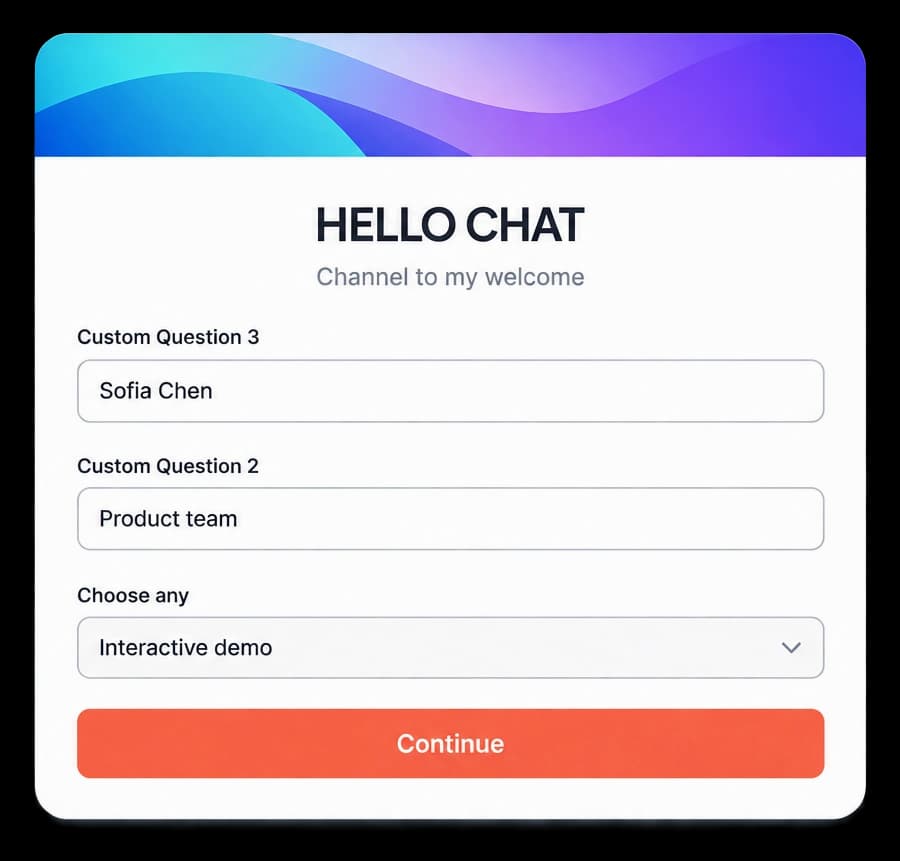
Give related demos a home
Use a branded showcase to bring related product walkthroughs into one destination. Route Hubs keep the content and its next steps organized as you prepare what visitors will see.
Give visitors one destination for the product stories that belong together.
Review published destinations and pathway details from the Route Hub list.
Send visitors to a focused product experience with a clear route through it.
In Route Hubs
The Route Hub list brings published hubs and their pathway details into one place. Open a hub in the Studio to review its content and use the Showcase control as part of the journey.
Inside the workflow
Choose the product content, organize its path, and check the hub before you share it.
Bring together the walkthroughs and resources visitors need.
Use Route Hub cards and the Showcase option to shape the destination.
Check the live destination from the Route Hub list.
Product video
Record the control, the change it makes, and the result on screen.
branded-showcase-portals.mp4Where it helps
Give different audiences one place to explore the parts of your product that matter to them.
Product marketing
Sales teams
Customer education
A few useful details
It gives visitors one destination for related product demos and content.
Create and review the content in Route Hubs, then open the hub in the Studio.
Yes. Use Live Preview to review the visitor experience before sharing.

Build interactive walkthroughs, personalize prospect links, and export 60 FPS motion videos without writing code or waiting on engineering.