

Choose the fields
Add the form fields that help your team understand a visitor’s request.
Route HubsLead capture forms
Ask for contact details in the middle of a product walkthrough.
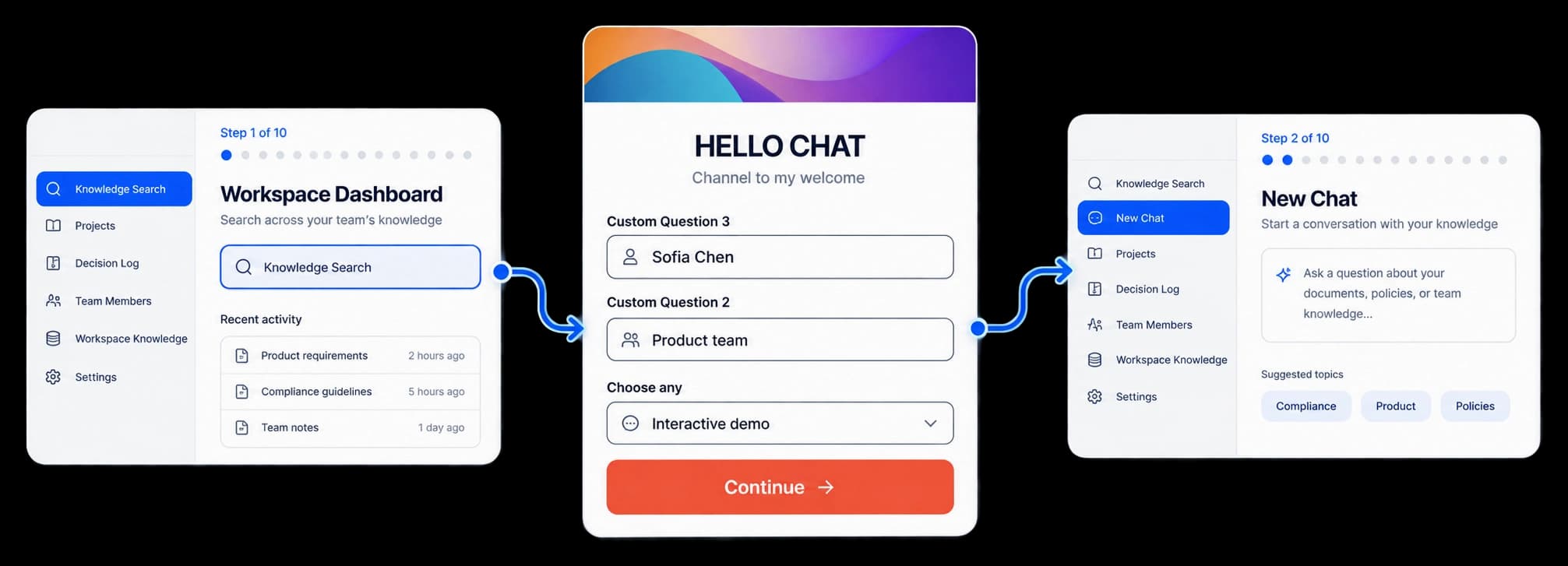
Give interested viewers a next step
Add a form to a Route Hub journey and choose the questions visitors see before they continue. Review the form in its layout editor as you prepare the experience.
Add the form fields that help your team understand a visitor’s request.
Place the form where it makes sense in the Route Hub path.
Check the layout and Continue action before publishing the hub.
In the form editor
The Route Hub editor lets you choose Form or Table, add the fields your journey needs, and check the Continue action in the finished layout.
Inside the workflow
Build the form in the Route Hub editor, then check how it fits into the visitor’s path.
Add a form to the Route Hub canvas where you want to collect a response.
Choose the questions and field types for the information you need.
Check the form and its Continue action in the preview.
Product video
Record the control, the change it makes, and the result on screen.
in-demo-lead-gating.mp4Where it helps
Give interested viewers a simple way to share their details.
Product marketing
Sales teams
Customer education
A few useful details
Yes. The form editor includes field types such as Short text, Dropdown, Multi-select, and Checkbox.
Yes. Add a Form block to the hub and connect it to the next part of the route.
Yes. Use the preview to check the field layout and the Continue action.

Build interactive walkthroughs, personalize prospect links, and export 60 FPS motion videos without writing code or waiting on engineering.