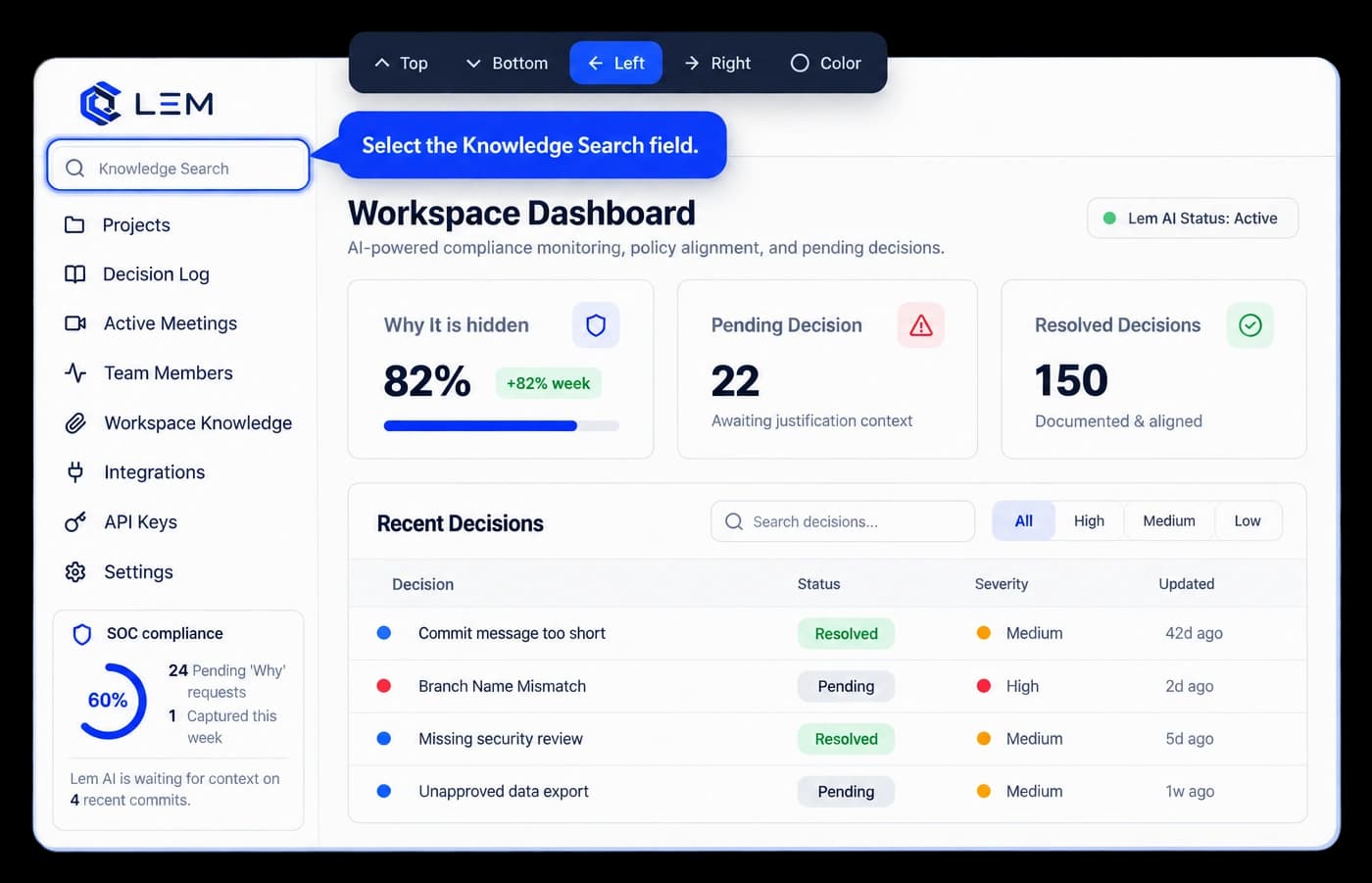

Video Recording & Hotspot Zoom

Record screen, presenter camera, and crystal-clear audio with automatic click hotspot zoom.

Screen & webcam recording with floating presenter bubble

Record your browser tab, window, or desktop with synchronized studio microphone filtering and a floating, resizable circular webcam bubble. The floating in-page console lets you pause, resume, undo steps, or stop and save.

Presenter webcam bubbleMic filteringFloating console
Start camera recording
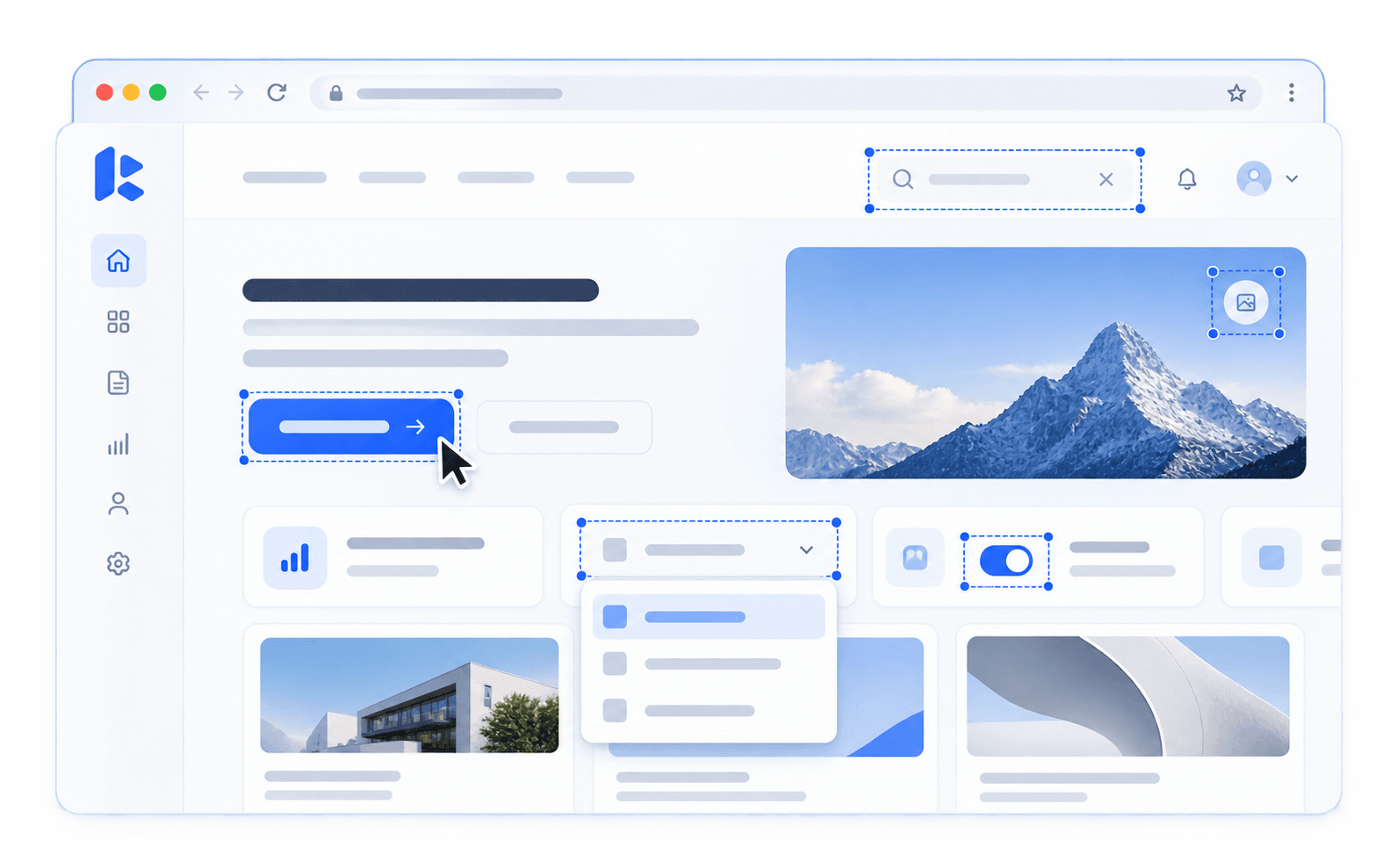
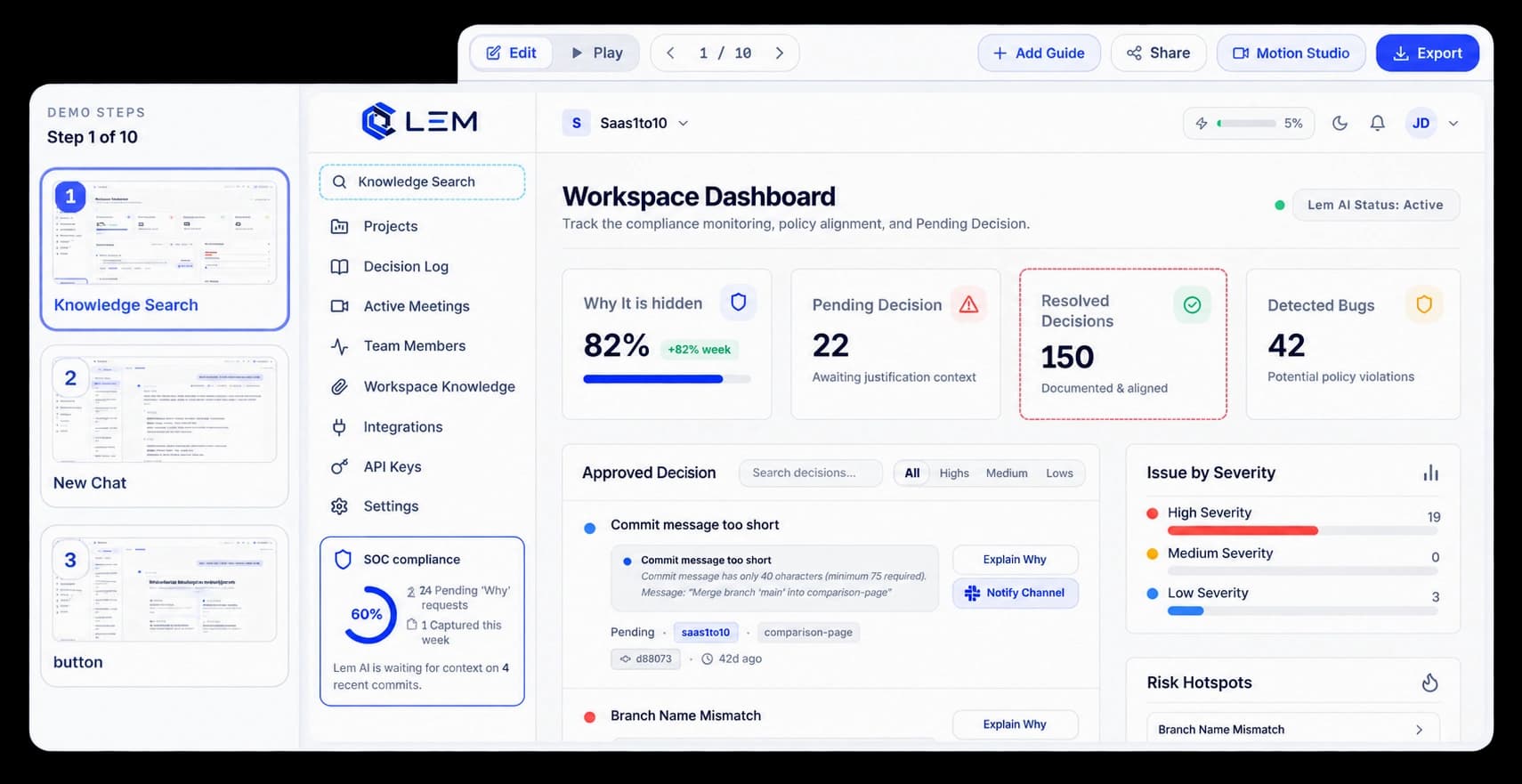
Automatic click hotspot tracking & cinematic zoom keyframes

Never lose viewers on dense screens. Click coordinates are logged during recording to generate smooth, physics-eased 2.2× zoom keyframes directly onto interactive controls, with interactive on-stage focal adjustment and motion blur.

Auto-hotspot detection2.2× magnificationMotion blur easing
Experience hotspot zoom

Visual filmstrip timeline, silence cuts, and timed chapters

Refine walkthroughs in the Kickdemo Web Video Studio. Scrub the thumbnail filmstrip, cut dead air pauses with smart silence skip ranges, add structured chapter markers, and wrap your video in studio gradient canvas backdrops.

Filmstrip timelineSilence trimmerTimed chapters
Explore video studio

Questions about video & hotspot zoom.

Everything you need to know before putting this feature into production.

Kickdemo records mouse clicks and focal coordinates during your recording, then creates smooth cinematic zoom keyframes up to 3.0× with motion blur to focus viewer attention on key UI actions.

Kickdemo CTA banner background

Turn product curiosity into closed-won revenue

Build interactive walkthroughs, personalize prospect links, and capture high-intent buyers without writing code or waiting on engineering.