

Keep actions in order
Review the steps in the sequence you performed them.
Chrome CaptureAction recording
Work through a task once and keep its actions in the order they happened.
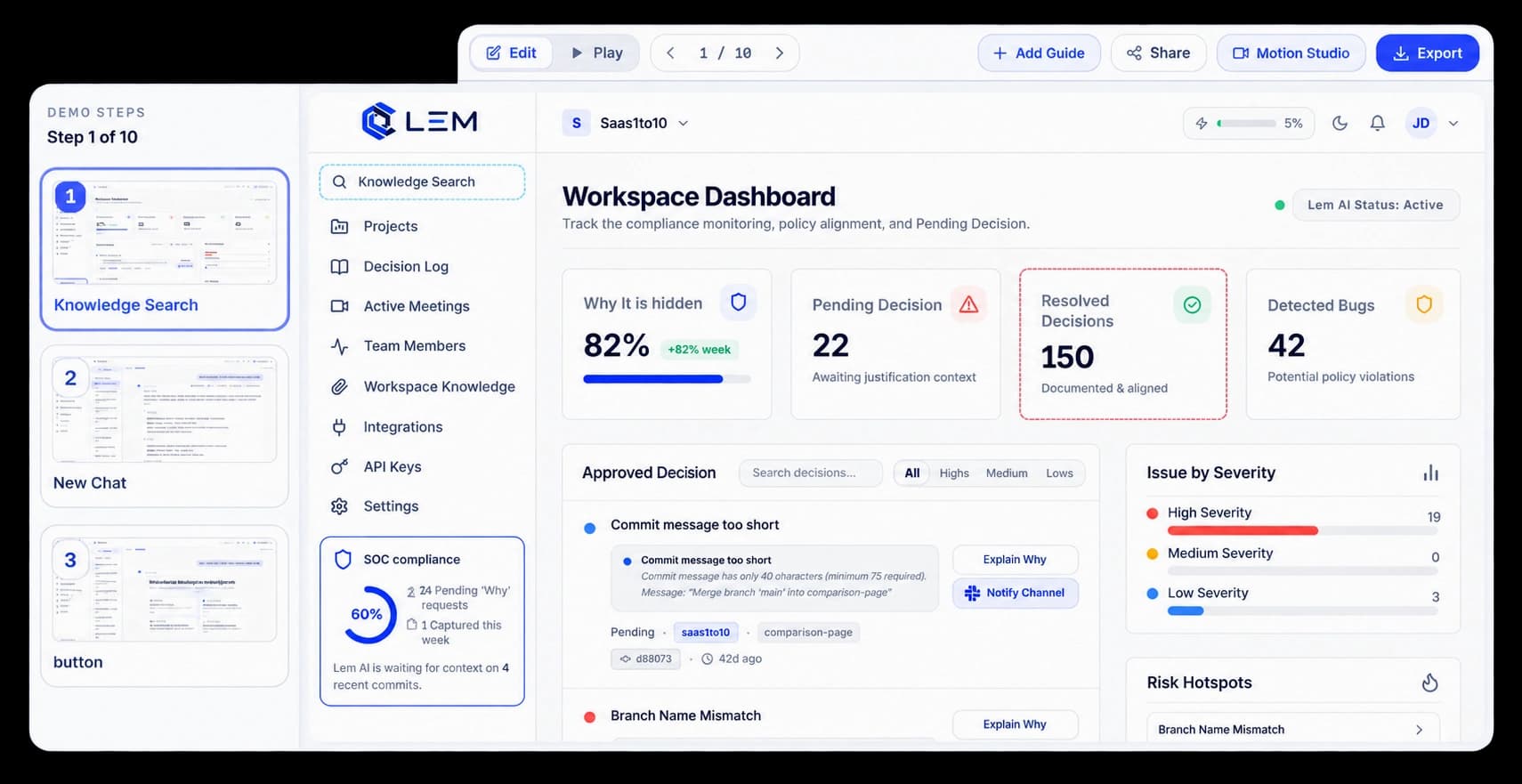
Capture the path as you use the product
Move through your product and KickDemo records the actions and screens as a walkthrough. The ordered steps give you a clear first version to review, trim, and prepare for viewers.
Review the steps in the sequence you performed them.
See the captured screen alongside the action it belongs to.
Edit the sequence in the walkthrough editor before sharing.
In the walkthrough
Each action keeps its place in the sequence. Open a step, see the captured screen, and decide what needs a trim or a clearer explanation.
Inside the workflow
Capture the task in your browser, then review its steps in the editor before you share it.
Begin a capture before you move through the task.
Complete the actions you want the walkthrough to show.
Check the captured steps and screens, then refine the story.
Product video
Record the control, the change it makes, and the result on screen.
auto-action-recording.mp4Where it helps
Show the full path in the same sequence your customer will follow.
Product education
Release communication
Sales enablement
A few useful details
It records the actions and screens as you move through a product workflow, then presents them as ordered steps to review.
Yes. Review the captured sequence in the editor and refine the steps before sharing.
No. Work through the task you want to explain, then review the captured sequence and shape it into a walkthrough.

Build interactive walkthroughs, personalize prospect links, and export 60 FPS motion videos without writing code or waiting on engineering.