

Start with a first draft
Get a short instruction tied to the captured action.
Chrome CaptureStep instructions
Give each captured action a clear instruction you can review and edit.
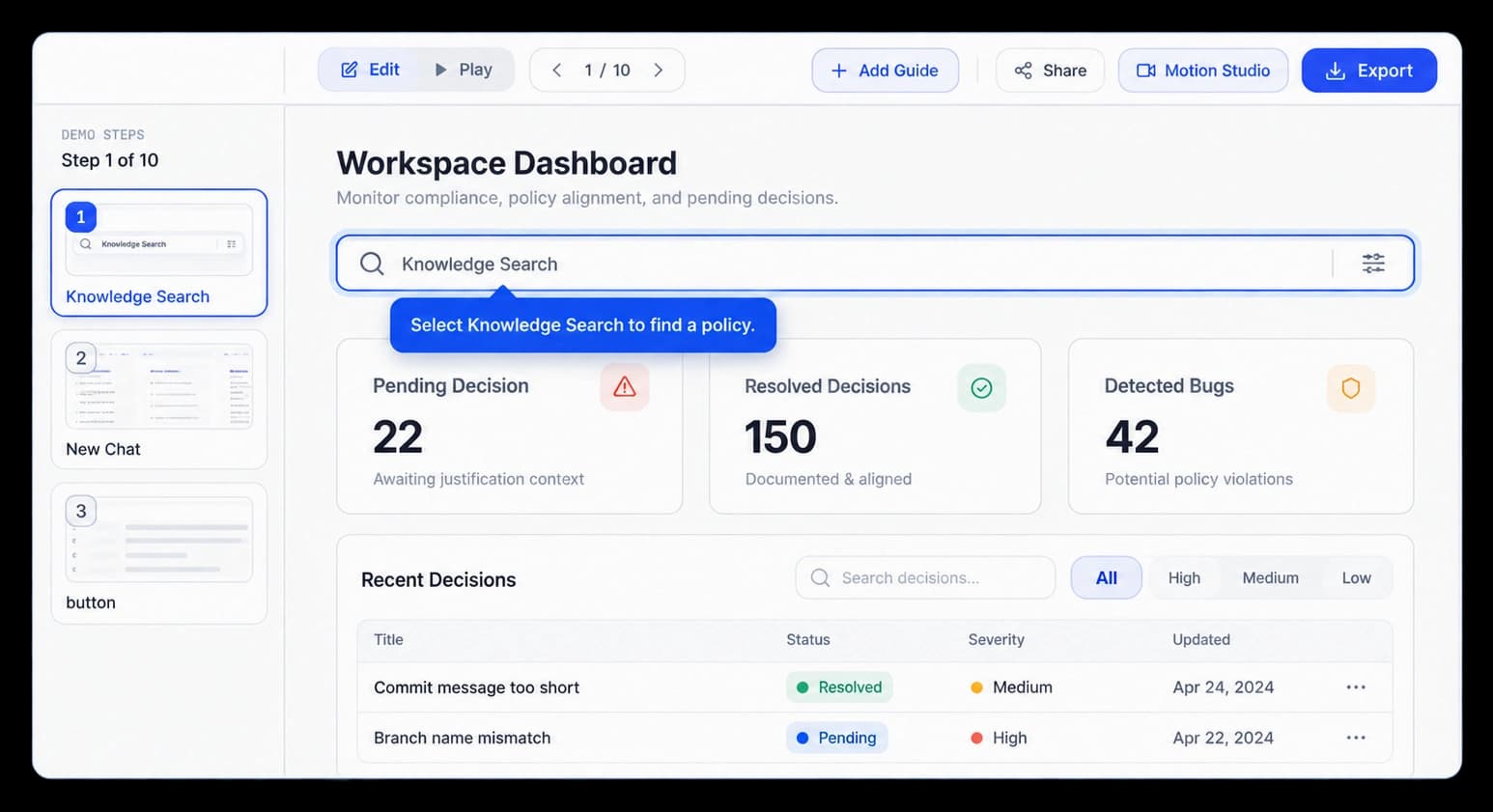
Make the next action clear
KickDemo can prepare a short instruction for a captured action. Read the guide in context, adjust the wording to match your product and audience, and keep the final copy in your team’s voice.
Get a short instruction tied to the captured action.
Check the guide beside the screen and control it describes.
Edit each instruction to fit your product and audience.
In the walkthrough
A short guide gives the viewer a direct next action while keeping the product screen visible. Read the instruction in context and revise it before the walkthrough goes out.
Inside the workflow
Review each guide with the screen it describes, then make the wording your own.
Record the control or screen change the viewer needs to make.
Check that the guide explains the action in the context of the screen.
Refine the words so they fit your product and audience.
Product video
Record the control, the change it makes, and the result on screen.
auto-generated-step-instructions.mp4Where it helps
Put plain direction beside the action that needs a little explanation.
Customer onboarding
Product documentation
Support content
A few useful details
Yes. Review the wording in the editor and adjust it to match your product and audience.
The guide sits beside the captured part of the screen it explains, so viewers can read the direction in context.
No. Treat it as a starting point and revise it before sharing the walkthrough.

Build interactive walkthroughs, personalize prospect links, and export 60 FPS motion videos without writing code or waiting on engineering.