
Screenshot & Full UI Capture

Capture viewport areas or entire scrolling webpages with live dimensions and instant redaction.

In-page floating dock & drag-to-select marquee

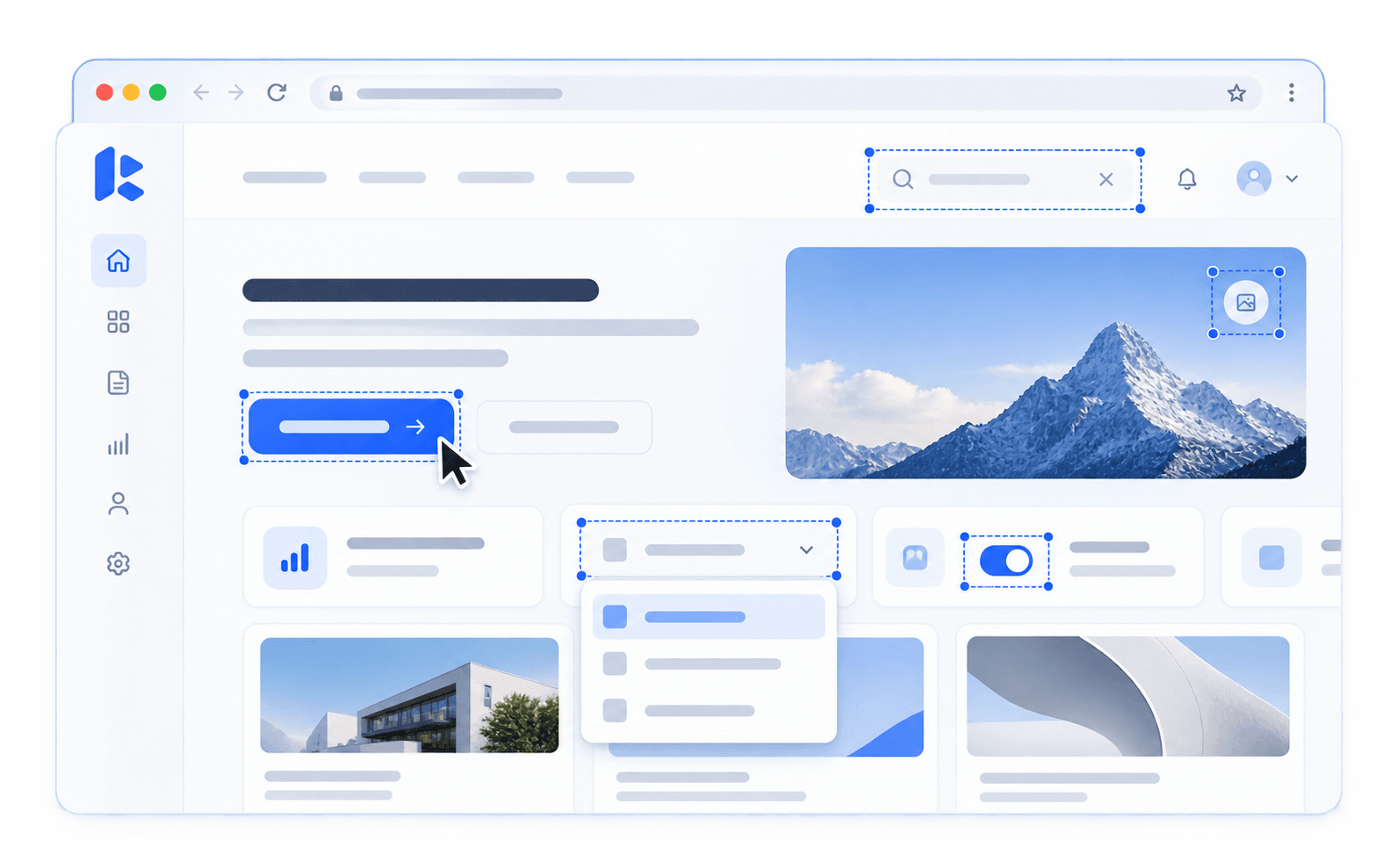
Trigger directly from the Kickdemo Chrome extension. The draggable in-page dock features crosshair marquee selection with live dimension readouts, backdrop boundary shading, and an optional 3-second delay countdown so you can open menus and tooltips before snapping.

Floating dock3s delay countdownLive dimension pill
Try area selection
Automated DOM scroll stitching with header deduplication

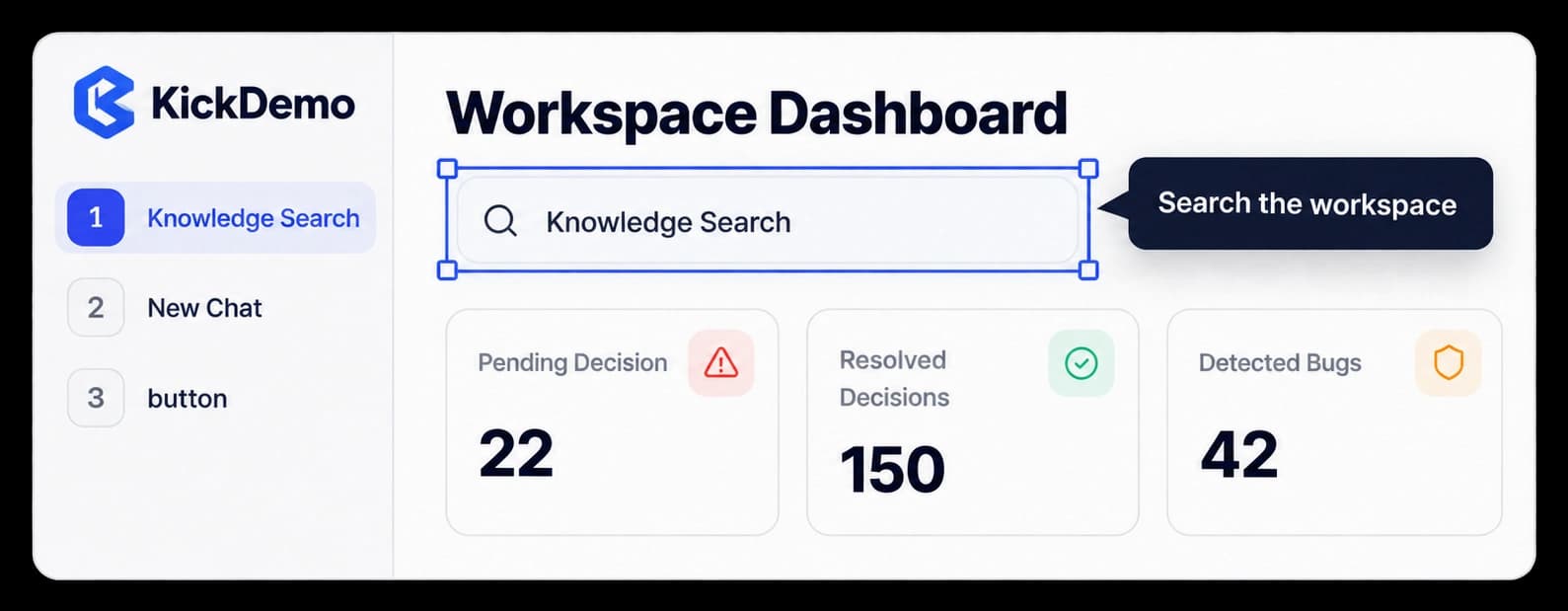
Capture multi-fold landing pages, long data tables, and deep documentation. Kickdemo scrolls down the DOM automatically, suppresses repeating sticky headers, and stitches every fold into a single seamless, lossless PNG.

Full-page stitchHeader deduplicationLossless PNG
Explore full UI capture

In-browser studio editor with 7 precision annotation tools

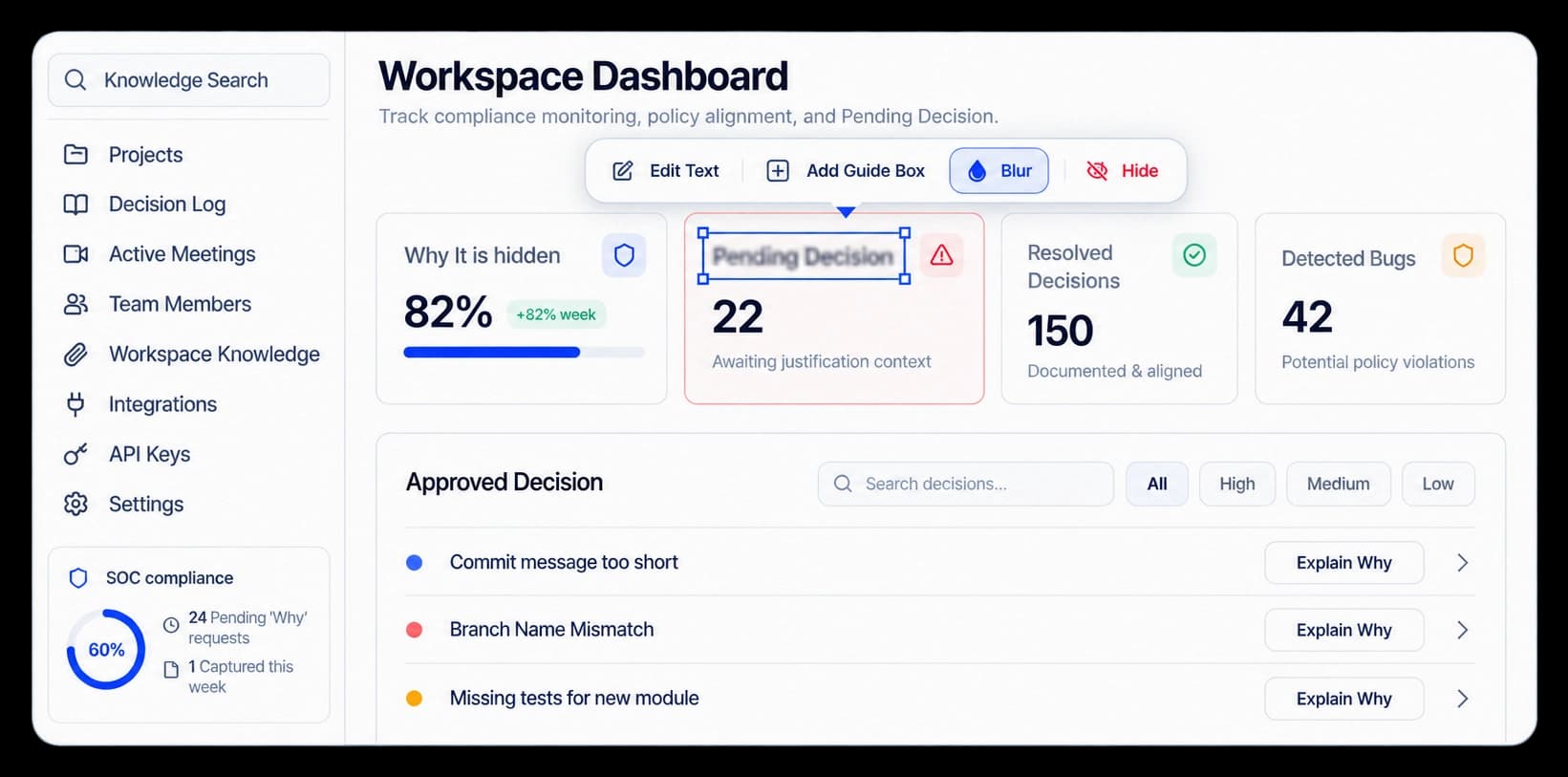
Conceal passwords, tokens, and customer billing totals with permanent opaque redaction. Draw precision directional vector arrows, frame controls with rectangles, highlight rows with 45% tint markers, and wrap raw captures in studio canvas backdrops ready for instant sharing.

Permanent redactionVector arrowsStudio canvas backdrops
Open studio editor

Questions about screenshot & full ui.

Everything you need to know before putting this feature into production.

When you choose Full UI capture, Kickdemo automatically scrolls down the page, captures each segment without repeating fixed or sticky headers, and stitches them seamlessly into a single lossless PNG.

Kickdemo CTA banner background

Turn product curiosity into closed-won revenue

Build interactive walkthroughs, personalize prospect links, and capture high-intent buyers without writing code or waiting on engineering.