

Send a direct link
Copy a walkthrough link for a customer, prospect, or teammate.
WalkthroughsSharing
Share a walkthrough where your audience already is.
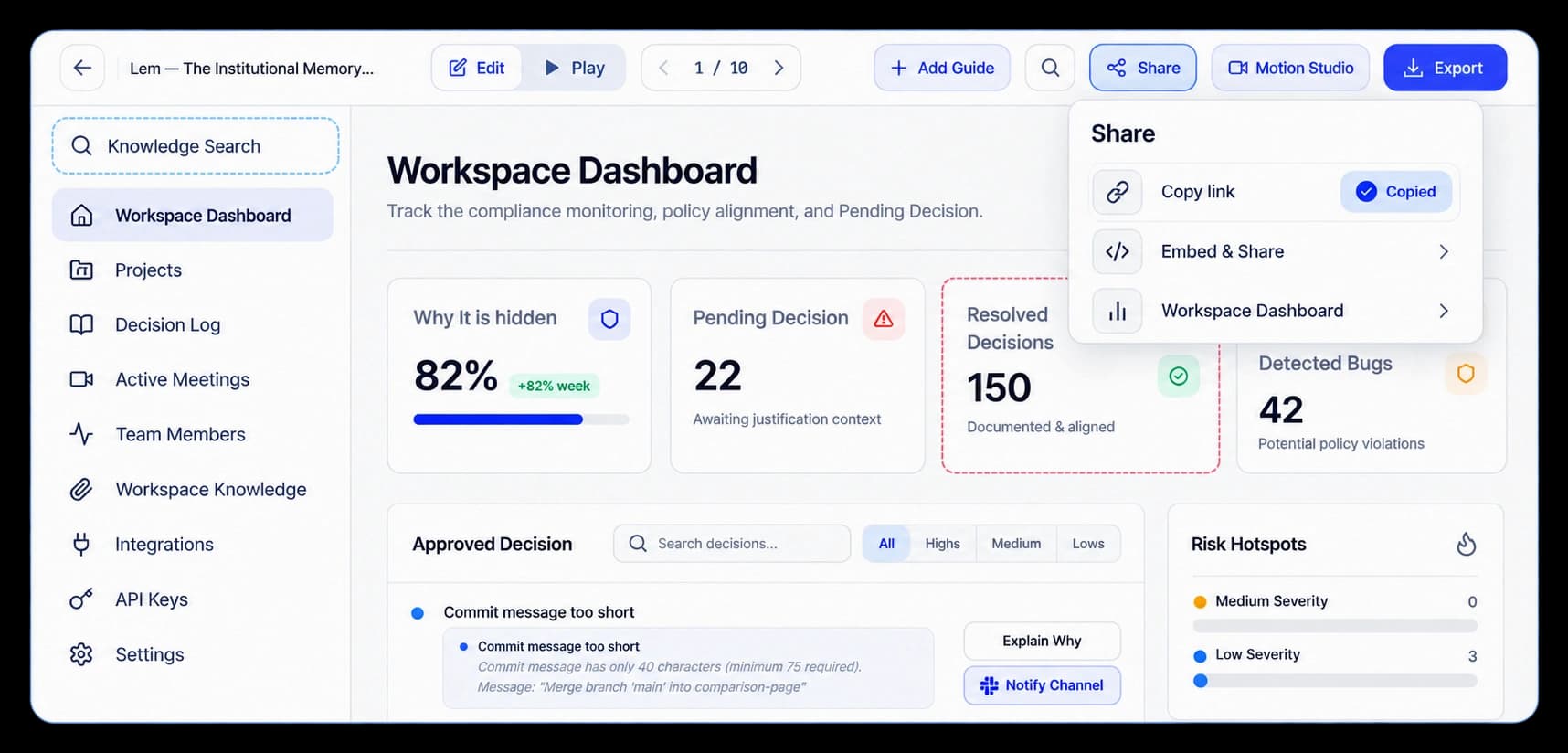
Take the walkthrough to your audience
Send a walkthrough link directly or use the embed option to place it beside related content. The viewer can open the product story from the page or message where they found it.
Copy a walkthrough link for a customer, prospect, or teammate.
Use Embed & Share to place a Route Hub alongside your content.
Let people explore the walkthrough where they are already learning.
Share or embed
Open Share to send a walkthrough link. For Route Hubs, use Embed & Share to place the experience on a website, product page, or help article.
Inside the workflow
Choose the sharing action that fits your walkthrough, then put it in front of your audience.
Choose Share for a walkthrough or Embed & Share for a Route Hub.
Copy a link or use the embed option for a page.
Share the link or add the experience to related content.
Product video
Record the control, the change it makes, and the result on screen.
instant-shareable-links.mp4Where it helps
Give a walkthrough a clear home in the conversations and pages that support it.
Sales teams
Help centers
Product websites
A few useful details
Open Share on a walkthrough or Embed & Share on a Route Hub.
Use the available embed option to place the experience alongside page content.
Use a link for a direct handoff. Use an embed when the walkthrough belongs within a page.

Build interactive walkthroughs, personalize prospect links, and export 60 FPS motion videos without writing code or waiting on engineering.