

One card per frame
Write and review the narration for each frame next to the screen it explains.
Walkthroughs
Open the Voiceover panel in the demo editor and every frame gets its own card. Write a script and pick an AI voice, or record your own, then export the walkthrough as an MP4 with the narration in place.
A clearer way to show what your product can do.
What this makes easier
Write and review the narration for each frame next to the screen it explains.
Pick a voice and hear a sample first, or record your own voice for any frame.
Add pronunciations once so product and brand names are read the way you say them.
A simple working rhythm
Give each frame an AI voice or your own, then export the walkthrough as a video.
Switch the editor sidebar to Voiceover to see one card for each frame.
Type the script and pick a voice, or record your own take for the frame.
Save with your other changes, then export the walkthrough as a video.
See the detail
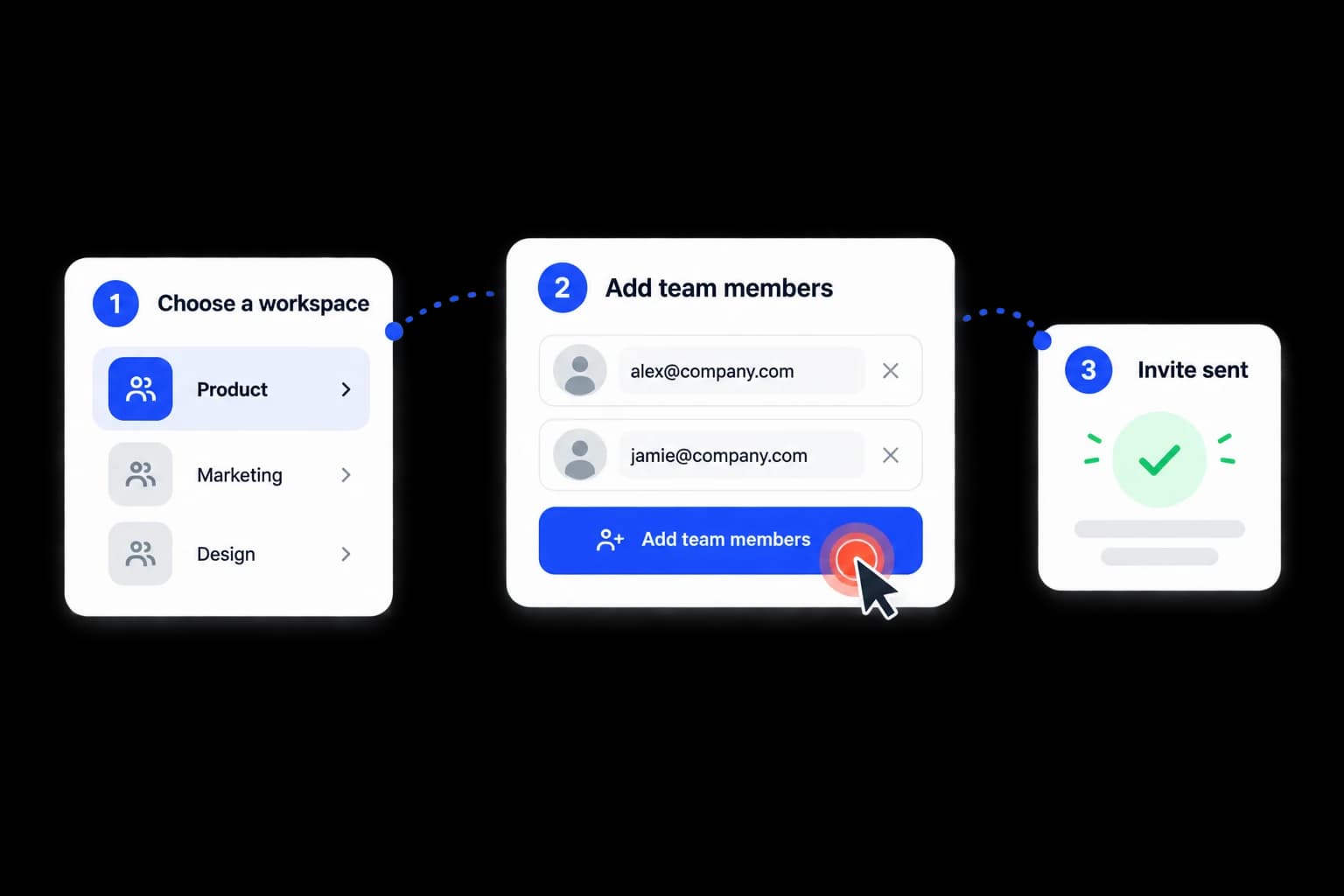
Show the real product flow here so visitors can see each step in context.
step-voiceover.mp4Put it to work
Product marketing
Customer success
Show the work, clearly